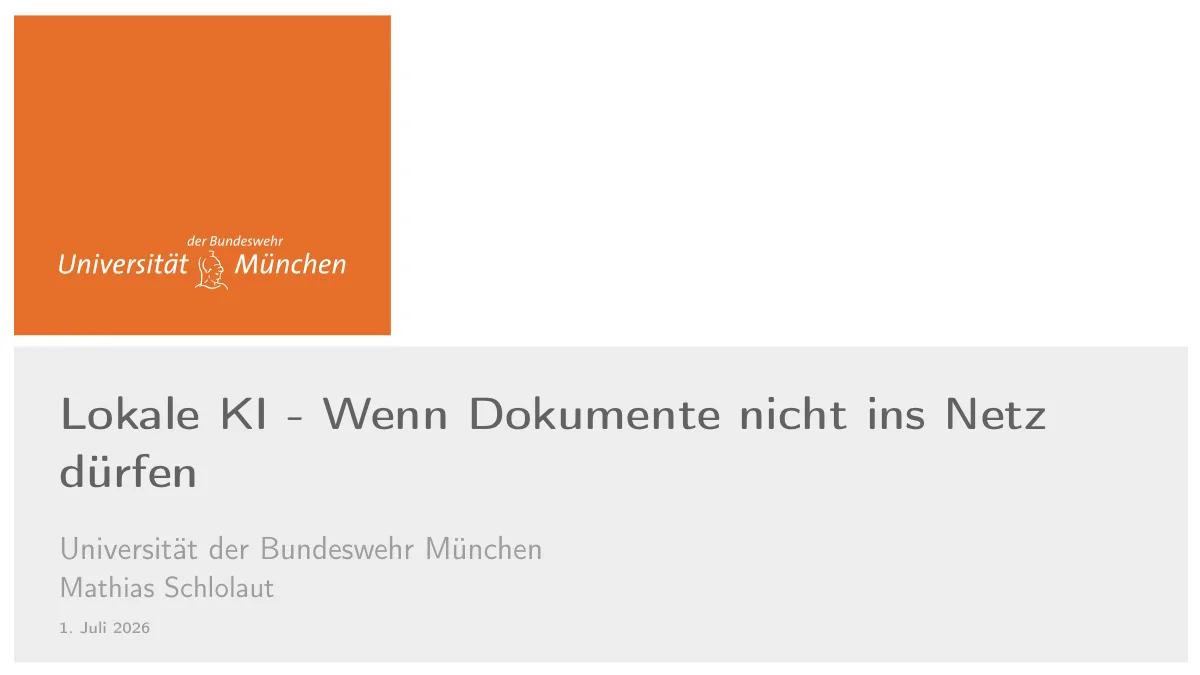
🛡️ Lokale KI. Wenn Dokumente nicht ins Netz dürfen.
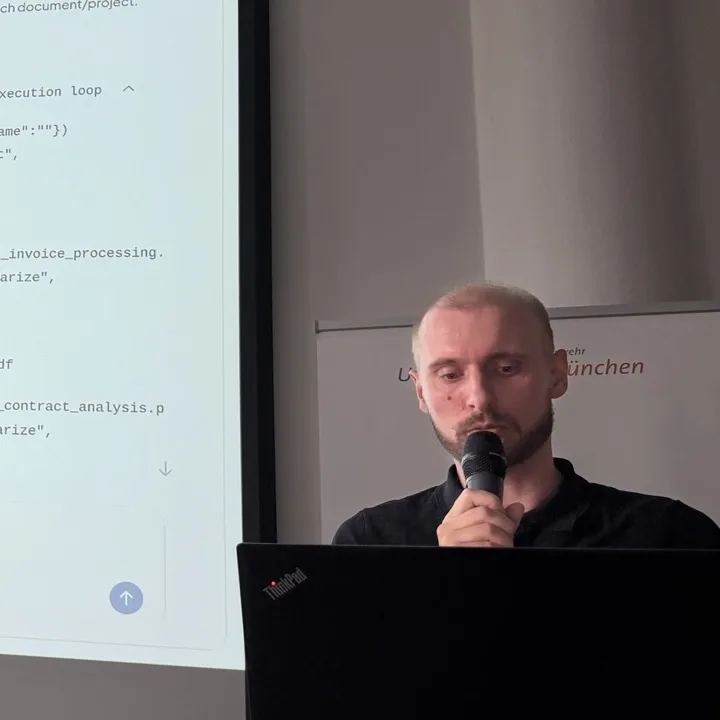
Mathias Schlolaut
Doktorand, Applied Security Analysis · Universität der Bundeswehr München (CODE)
Mit Panel: Dr. Doris Behrendt & Daniel Seufferth
Worum geht's?
Viele Organisationen würden große Sprachmodelle gern auf ihre eigenen Dokumente loslassen — Verträge, Akten, Forschungsdaten — dürfen genau diese aber aus Datenschutz- und Geheimhaltungsgründen nicht in die Cloud hochladen.
Mathias Schlolaut zeigt, wie lokale KI dieses Problem löst: Sprachmodelle, die vollständig auf eigener Hardware laufen, sodass kein Dokument je das Haus verlässt. Welche Werkzeuge gibt es? Welche Modelle eignen sich (etwa GPT-OSS:20B)? Welche Hardware braucht man wirklich — und worauf kommt es im Betrieb an?
Im Anschluss diskutierte das Panel praktische Erfahrungen, Grenzen und den sicheren Einsatz im Alltag.
📝 Rückblick
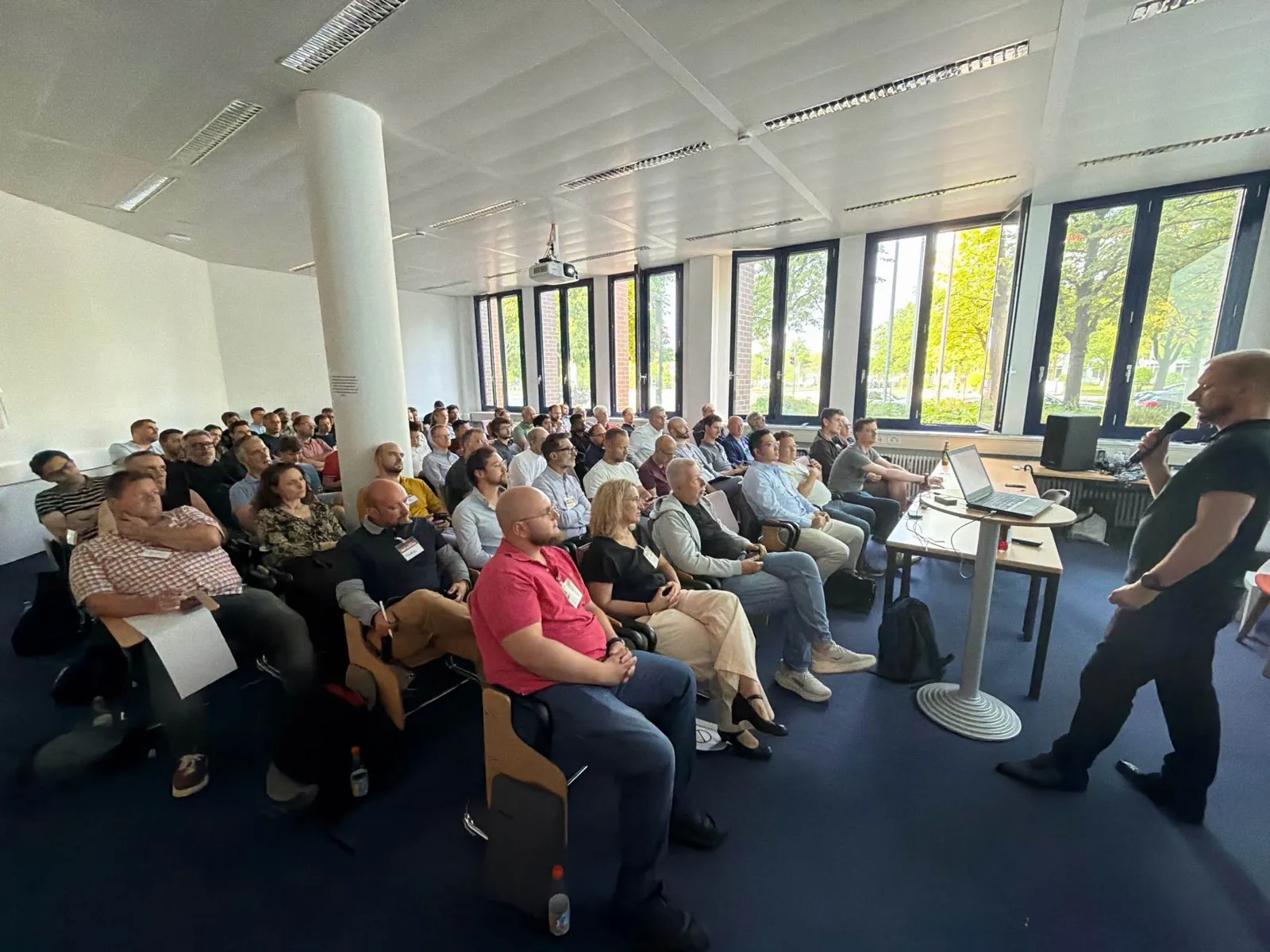
Zum ersten Mal war GenAI Wednesday zu Gast beim Forschungsinstitut CODE der Universität der Bundeswehr München.
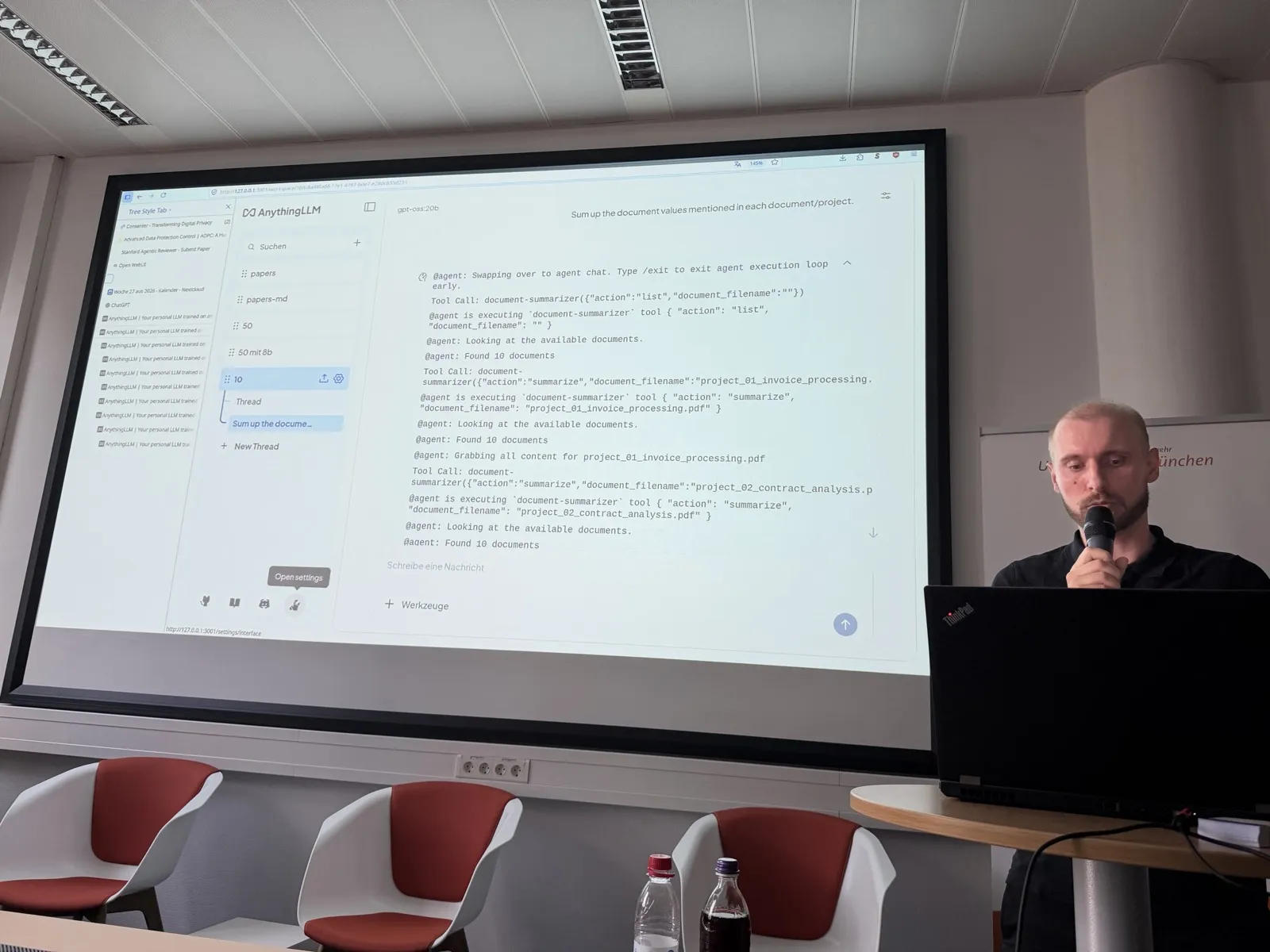
Mathias Schlolaut zeigte an einem bewusst kleinen, nachbaubaren Setup (AnythingLLM + Ollama + Docker Compose, zwei 16-GB-GPUs), wie lokale Sprachmodelle mit vertraulichen Dokumenten arbeiten — und wo es knirscht. Getestet wurde mit 10, 50 und 311 PDFs. Die vier Stellschrauben, die über Erfolg oder Frust entscheiden: das Embedding (wie Dokumente in 1000-Token-Chunks zerlegt und als Vektoren durchsuchbar werden), die Modellgröße, das Context Window („Gedächtnis") und die Tool-Aufrufe.
Kernpunkte:
- Mit wenigen Dokumenten klappt lokal sehr viel — bei vielen Dokumenten wird das Prompting entscheidend: Die naive Frage nach einer Summe über 10 PDFs lieferte falsche Werte, die präziser gestellte Frage plötzlich das korrekte Ergebnis.
- Kleine Modelle scheitern oft an Tool-Aufrufen. gpt-oss:20b verweigerte den Dokumentenzugriff und lieferte stattdessen eine Anleitung zum Selbermachen; gemma4:12b hängte an die korrekte Summe einen Fantasiewert an. Das 31B-Modell war stabiler, geriet aber bei 50 Dokumenten in Schleifen.
- Die größte Stolperfalle ist unsichtbar: Ollama setzt das Kontextfenster gern still auf 4.000 Token herab — damit scheitert praktisch jeder Tool-Aufruf.
- Hardware-Empfehlung: mindestens eine GPU mit 16 GB VRAM (frei!) oder eine 16-Kern-CPU; gemma4:31b passt mit auf 90.000 Token reduziertem Kontext auf zwei 16-GB-GPUs. Dazu ehrliche Betriebskosten: 30–50 € mehr Strom im Monat und 2–3 Grad mehr im Zimmer.
- Panel-Einblick: Daniel Seufferth administriert an der UniBw einen Cluster mit 72 NVIDIA-GPUs (B300, H200, H100 — insgesamt mehrere Terabyte VRAM) und gab zu bedenken, dass sich für Unternehmen die Cloud oft eher rechnet — und dass man nicht auf jedes Problem KI werfen sollte. Dr. Doris Behrendt ordnete ein, was bei Verschlusssachen (VS-NfD) erlaubt ist: Bundeswehr-intern laufen Pilotplattformen, ChatGPT ist tabu.
- Aus dem Publikum: Quantisierung (4-Bit statt 16-Bit drückt gemma4:31b von ~63 auf ~19 GB plus KV-Cache), Re-Ranker als Qualitätshebel für RAG, und die Frage nach 1.500 PowerPoints — Antwort: machbar, aber dann wird's komplex (Stichwort RAGFlow).
💬 O-Töne
„Ollama ist so ein bisschen wie Windows: Der will uns Arbeit abnehmen, ist nutzerfreundlich — wenn wir es nicht wissen, macht er es verkehrt."
— Mathias Schlolaut, über automatisch verkleinerte Kontextfenster
„Viel hilft viel, und auf die Größe kommt es an. Das zieht sich bei den Sprachmodellen wirklich von vorne bis hinten durch."
— Mathias Schlolaut
„Ich könnte den Vortrag hier wöchentlich halten und würde vermutlich noch ein halbes Jahr lang jede Woche etwas Neues dazulernen und besser werden."
— Mathias Schlolaut
„Man sollte nicht anfangen, einfach auf alles eine KI draufzuwerfen, wenn es auch andere Lösungsmethoden gibt."
— Daniel Seufferth
🛠️ Tools & Links aus dem Vortrag
- AnythingLLM — die demonstrierte Anwendung: einfache Oberfläche und Einrichtung, Workspaces, eingebaute Vektordatenbank. Mathias' Empfehlung zum Einstieg.
- Ollama — stellt die Sprachmodelle lokal bereit; nutzerfreundlich, setzt aber Kontextgrößen gern selbst (die Stolperfalle des Abends). Modellkatalog: ollama.com/library.
- nomic-embed-text — das Embedding-Modell des gezeigten Setups; zerlegt Dokumente in durchsuchbare 1000-Token-Chunks.
- Open WebUI — alternative Chat-Oberfläche für lokale Modelle, in den Folien als weitere Option genannt.
- Kotaemon — Open-Source-RAG-UI, ebenfalls als Alternative gelistet.
- RAGFlow — „besser, aber komplexer": mehrstufiges Retrieval und hierarchische Chunks für große Dokumentmengen; braucht allein 8 GB RAM nach dem Start.
- Docker Compose — kapselt die Installation sauber vom Restsystem; die komplette docker-compose.yml steht im Anhang der Folien.
- LanceDB — die eingebettete Vektordatenbank im gezeigten Setup.
- Hugging Face — riesige Modellauswahl jenseits der Ollama-Library: „sehr gute Modelle, sehr schlechte Modelle und eine gigantische Auswahl."
- RAG erklärt (Fraunhofer IESE) — die im Vortrag zitierte Einführung in Retrieval Augmented Generation.
📊 Folien
Was das Deck abdeckt: das komplette Nachbau-Rezept — Installation (Ollama + Docker Compose), die vier Stellschrauben (Embedding-Chunk-Länge, Modellgröße, Context Window, Tool-Aufrufe) mit Beispielwerten, Speicherbedarf der Modelle, bekannte Stolperfallen, Hardware-Empfehlung und die vollständige docker-compose.yml im Anhang.
Ablauf
- 🕡 18:30 Türöffnung & Networking
- 🎤 19:00 Begrüßung
- 🧠 19:05 Keynote: Lokale KI für vertrauliche Dokumente
- 💬 19:35 Diskussion & Q&A
- 🍻 20:00 Networking
Speaker & Panel
Mathias Schlolaut ist Doktorand im Bereich Applied Security Analysis an der Universität der Bundeswehr München (Forschungsinstitut CODE). In seiner Forschung nutzt er große Sprachmodelle, um große Mengen wissenschaftlicher Arbeiten effizient auszuwerten.
Panel:
- Dr. Doris Behrendt — Projektleiterin CrypTool, behördliche Datenschutzbeauftragte.
- Daniel Seufferth — Abteilung Modellierung & Simulation; Schwerpunkt KI und skalierbare Infrastruktur.
Hosts: Daniel Melter, Angela Pantele, Manuel Gruber, Harald Mueller.
📍 Ort & Anfahrt
🎫 Eintritt frei. Die Plätze sind begrenzt — bitte vorab auf Luma anmelden.
Über CODE
Das Forschungsinstitut CODE der Universität der Bundeswehr München ist eine zentrale wissenschaftliche Einrichtung für Cyber/IT-Forschung. CODE arbeitet an Grundlagenforschung, angewandter Forschung und Technologieentwicklung in den Bereichen Cyber Defence, Smart Data und Quantum Technology.
Ziel ist es, Innovationen zum Schutz von Daten, Software und Systemen voranzubringen. Dafür verbindet CODE wissenschaftliche Expertise mit Partnern aus Bundeswehr, Behörden, Forschung und Wirtschaft.
Mehr über das Forschungsinstitut CODE →
📌 Verwandte GenAI-Wednesday-Sessions
- Build Legal Tools with AI — Patrick Munro
- How Mindfuel Embeds AI into Every Corner of the Company — Max Koennings
- Using AI for Fun, Profit, Ransom — Konark Modi
Event-Details
- Wann: Mittwoch, 1. Juli 2026 · Türöffnung 18:30 · Keynote 19:05
- Ort: UniBw München, Forschungsinstitut CODE, Cascada-Haus, Carl-Wery-Str. 18, Raum 0812, 81739 München
- Sprache: Deutsch
- Folien: Lokale KI — Wenn Dokumente nicht ins Netz dürfen (PDF)
About This Session
Many organisations would love to point a large language model at their own documents — contracts, case files, research data — but aren't allowed to upload those very documents to the cloud for privacy and confidentiality reasons.
Mathias Schlolaut shows how local AI solves this: language models that run entirely on your own hardware, so no document ever leaves the building. Which tools exist? Which models are a good fit (such as GPT-OSS:20B)? What hardware do you really need — and what matters in day-to-day operation?
A panel discussion followed on practical experience, limits, and safe everyday use.
📝 Talk Recap
For the first time, GenAI Wednesday was hosted by the CODE Research Institute at Universität der Bundeswehr München.
Using a deliberately small, reproducible setup (AnythingLLM + Ollama + Docker Compose on two 16 GB GPUs), Mathias Schlolaut showed how local language models handle confidential documents — and where things break. He tested with 10, 50, and 311 PDFs. Four knobs decide between success and frustration: the embedding (how documents are split into 1,000-token chunks and made searchable as vectors), model size, the context window ("memory"), and tool calls.
Key points:
- With few documents, local AI works remarkably well — with many documents, prompting becomes decisive: naively asking for a sum across 10 PDFs returned wrong values; a more precisely phrased question suddenly produced the correct result.
- Small models often fail at tool calls. gpt-oss:20b refused to access the documents and returned do-it-yourself instructions instead; gemma4:12b appended a phantom value to an otherwise correct sum. The 31B model was more stable but got stuck in loops on 50 documents.
- The biggest pitfall is invisible: Ollama likes to silently shrink the context window to 4,000 tokens — at which point practically every tool call fails. Mathias admitted he walked past this problem for half a year.
- Hardware guidance: at minimum a GPU with 16 GB of free VRAM, or a 16-core CPU; gemma4:31b fits on two 16 GB GPUs with the context reduced to 90,000 tokens. Plus honest running costs: €30–50 more electricity per month and a room 2–3 degrees warmer.
- Panel insight: Daniel Seufferth administers a 72-GPU NVIDIA cluster at UniBw (B300, H200, H100 — several terabytes of VRAM combined) and cautioned that for companies the cloud often remains more cost-efficient — and that not every problem needs AI thrown at it. Dr. Doris Behrendt explained the rules for classified documents (VS-NfD): pilot platforms exist inside the Bundeswehr network, ChatGPT is off-limits.
- From the audience: quantization (4-bit instead of 16-bit shrinks gemma4:31b from ~63 to ~19 GB plus KV cache), re-rankers as a RAG quality lever, and the 1,500-PowerPoints question — answer: doable, but that's where it gets complex (see RAGFlow).
💬 In Their Words
Quotes translated from German.
"Ollama is a bit like Windows: it wants to take work off your hands, it's user-friendly — and if you don't know that, it gets things wrong."
— Mathias Schlolaut, on silently shrunken context windows
"More helps more, and size matters. With language models that runs through the whole story, front to back."
— Mathias Schlolaut
"I could give this talk here every week and would probably keep learning something new every week for another six months."
— Mathias Schlolaut
"You shouldn't start throwing AI at everything when other solution methods exist."
— Daniel Seufferth
🛠️ Tools & Links from the Talk
- AnythingLLM — the application demoed on stage: simple UI and setup, workspaces, built-in vector database. Mathias' recommendation for getting started.
- Ollama — serves the language models locally; user-friendly, but likes to set context sizes on its own (the pitfall of the evening). Model catalog: ollama.com/library.
- nomic-embed-text — the embedding model in the demo setup; splits documents into searchable 1,000-token chunks.
- Open WebUI — alternative chat interface for local models, listed in the slides as another option.
- Kotaemon — open-source RAG UI, also listed as an alternative.
- RAGFlow — "better, but more complex": multi-stage retrieval and hierarchical chunks for large document sets; needs 8 GB of RAM just after starting.
- Docker Compose — cleanly isolates the installation from the rest of the system; the full docker-compose.yml is in the slides appendix.
- LanceDB — the embedded vector database in the demo setup.
- Hugging Face — a vast model selection beyond the Ollama library: "very good models, very bad models, and a gigantic choice."
- RAG explained (Fraunhofer IESE) — the introduction to Retrieval Augmented Generation cited in the talk (German).
📊 Slides
What the deck covers: the complete reproduction recipe — installation (Ollama + Docker Compose), the four tuning knobs (embedding chunk length, model size, context window, tool calls) with example values, model memory requirements, known pitfalls, hardware recommendations, and the full docker-compose.yml in the appendix. Slides are in German.
Agenda
- 🕡 18:30 Doors open & networking
- 🎤 19:00 Welcome
- 🧠 19:05 Keynote: Local AI for confidential documents
- 💬 19:35 Discussion & Q&A
- 🍻 20:00 Networking
Speaker & Panel
Mathias Schlolaut is a PhD candidate in Applied Security Analysis at Universität der Bundeswehr München (CODE research institute). His research uses large language models to efficiently process large volumes of scientific papers.
Panel:
- Dr. Doris Behrendt — CrypTool project lead and administrative data-protection officer.
- Daniel Seufferth — Modeling & Simulation department; focused on AI and scalable infrastructure.
Hosts: Daniel Melter, Angela Pantele, Manuel Gruber, Harald Mueller.
📍 Location & Travel
🎫 Free entry. Seats are limited — please register on Luma in advance.
About CODE
The CODE Research Institute at Universität der Bundeswehr München is a central scientific institution for cyber/IT research. CODE works on basic research, applied research, and technology development across Cyber Defence, Smart Data, and Quantum Technology.
Its goal is to advance innovations that protect data, software, and systems. To achieve this, CODE combines scientific expertise with partners from the Bundeswehr, public authorities, research, and industry.
More about the CODE Research Institute →
📌 Related GenAI Wednesday Sessions
- Build Legal Tools with AI — Patrick Munro
- How Mindfuel Embeds AI into Every Corner of the Company — Max Koennings
- Using AI for Fun, Profit, Ransom — Konark Modi
Event Details
- When: Wednesday, July 1, 2026 · Doors 18:30 · Keynote 19:05
- Venue: UniBw München, CODE Research Institute, Cascada building, Carl-Wery-Str. 18, Room 0812, 81739 Munich
- Language: German
- Slides: Local AI — When Documents Must Not Go Online (PDF)